
Adding your vehicle and licence disc
3 min readFor Drivers
Your vehicle needs its own approval before you can go online. In the app, open My Vehicles (the car icon on the home screen) and add your vehicle with its make, model, year, colour and registration.
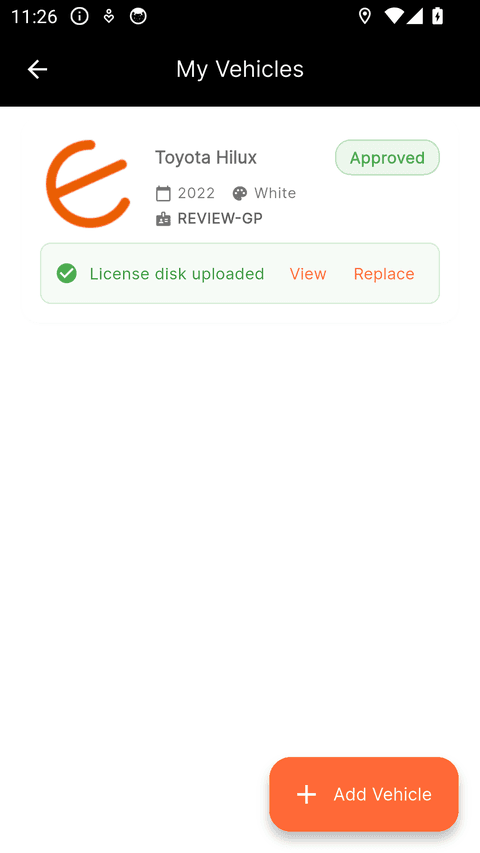
The licence disc photo
- Photograph the licence disc on your windscreen up close, straight on, in daylight — all the printed text should be readable.
- The registration you enter for your vehicle must match the "Licence no." printed on the disc — that is your number plate as registered.
- Make sure the disc is current (check its expiry date).
- A clear photo of the vehicle itself helps too — it should clearly show the vehicle described in your details.
Still need help? Contact us.